

NoryBook Quiz Maker: upload your own material, get word quizzes and games
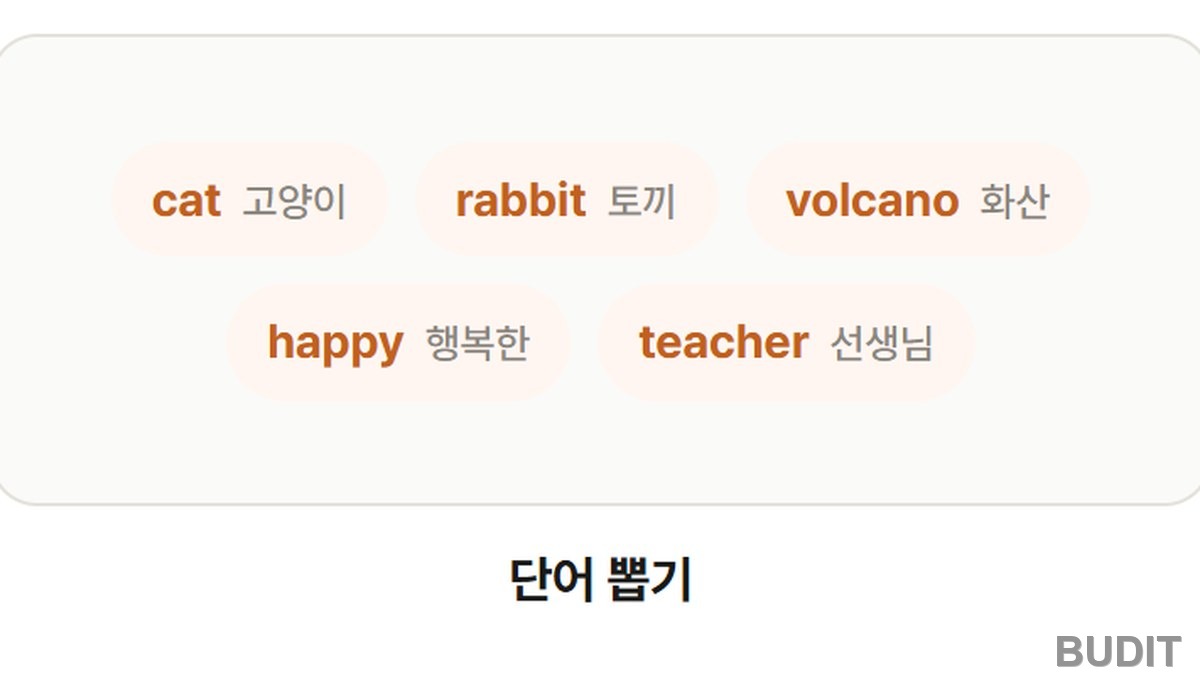
NoryBook now has a Quiz Maker. Upload the textbook unit or lesson material your child is studying, and it pulls out the English words, scores them by frequency and importance, and carries them straight into quiz sheets, a wordbook and games. Three steps: upload, pick words, test and play.
Video: the file upload dialog in Custom Words and opening one of My Materials to see its word list (12 s, no sound)
At a glance
| Item | Detail |
|---|---|
| What you can upload | PDF with text, Word (docx), HWP (hwp, hwpx), txt |
| Word extraction | English words with their count in the material and a general frequency band (A to E) |
| Quiz | English to Korean and Korean to English sheets as PDF, answer key included |
| Wordbook | Kept words go into your wordbook and continue to word card study and games |
| Your photos | Upload your own photo for a word without a picture, and it is used on the card and in games |
| Where | The Quiz Maker item in the NoryBook top menu; sign in to upload |
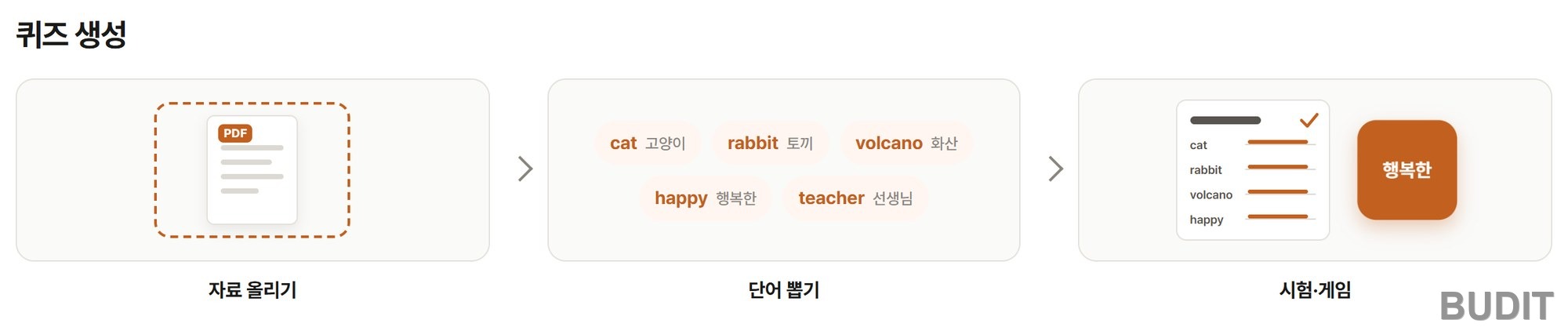
Photo: the three steps on the 『NoryBook』 Quiz Maker screen (as of Nov 19, 2026; NoryBook is currently in Korean). Open the Quiz Maker
1. Upload material
Drag a PDF, Word, HWP or txt file into the box or choose it with Upload. A textbook unit, a handout from a tutoring center or a word list you typed yourself all work, as long as the file contains text. A PDF made from photos, with no text layer, cannot be read yet.
2. Pick words
The English words in the material are listed in a table, with how many times each appears (frequency), how common it is in general English (band A to E) and a Korean meaning. Everything is kept at first, so you only uncheck the words you want to leave out. Words that have a picture card in NoryCard carry a card mark.
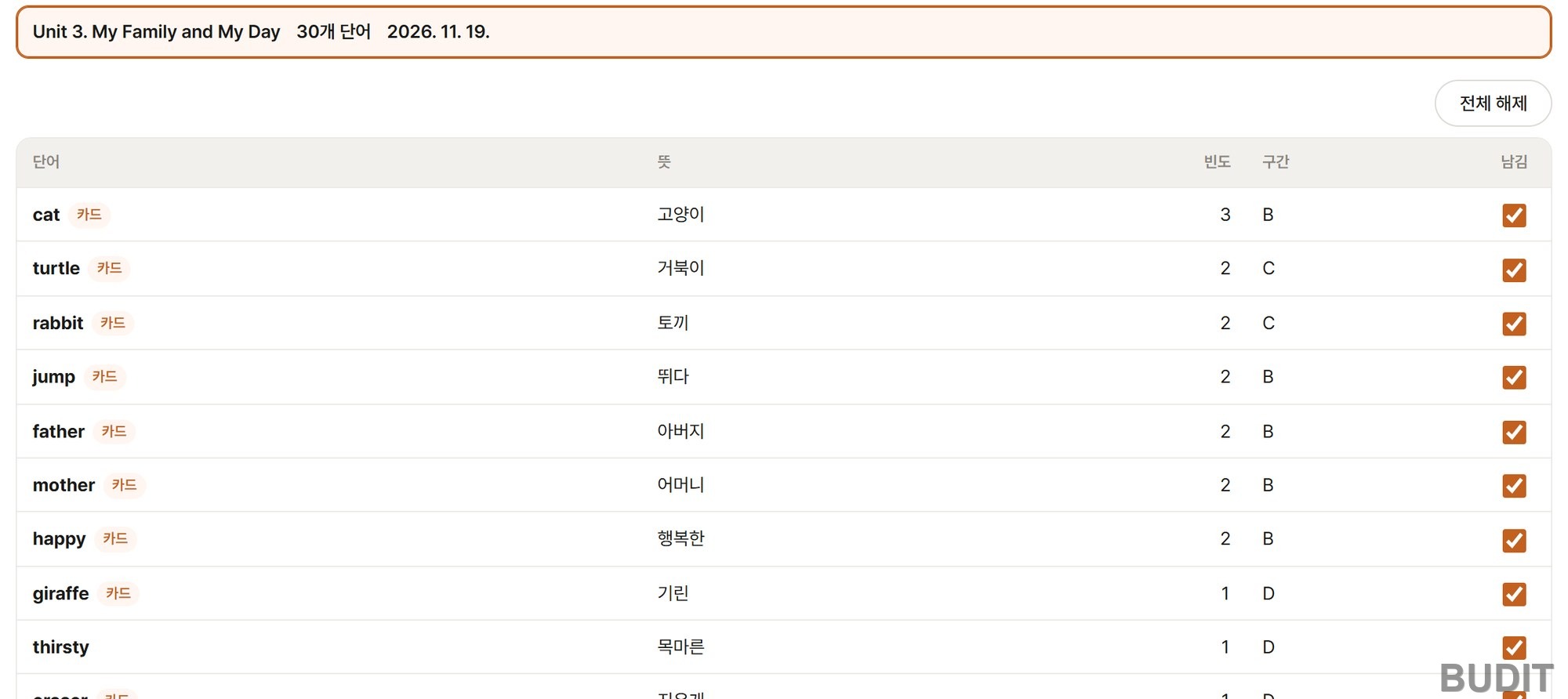
Photo: the extracted word table (as of Nov 19, 2026, sample material). Try it without signing in
3. Test and play
Press Quiz with the kept words and choose English to Korean or Korean to English to download a sheet PDF. The answer key is attached, so you can print it and use it as a test right away. Press Wordbook and the same words go into your wordbook, where they continue to word card study and NoryCard games. For a word without a picture card, upload your own photo in the wordbook and that photo is used on the card and in the games.
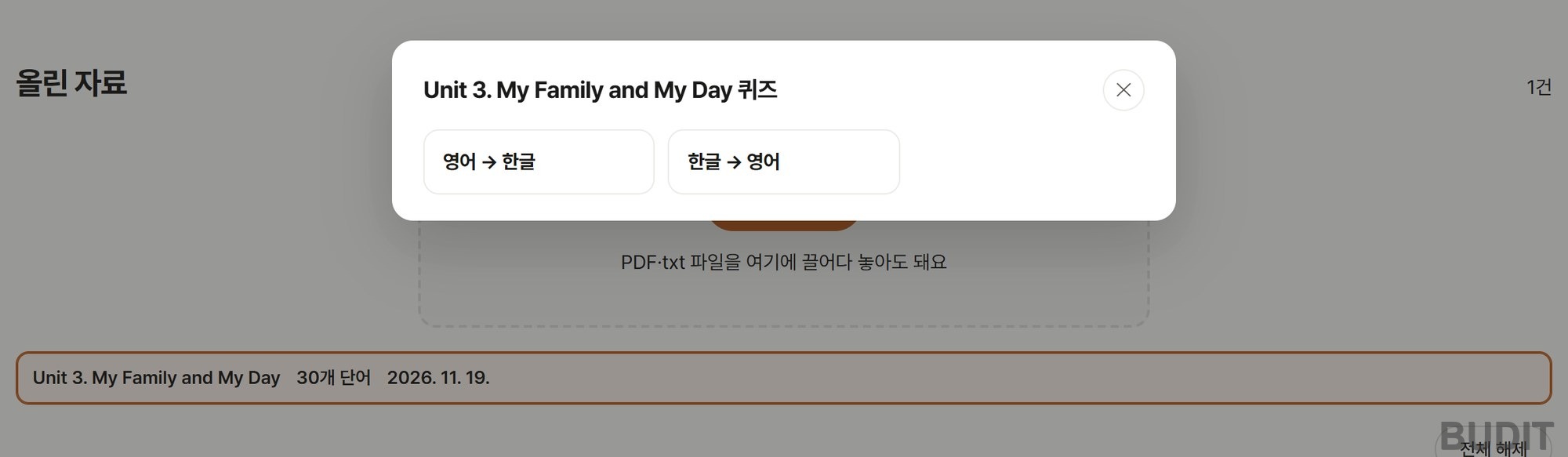
Photo: choosing the quiz direction (as of Nov 19, 2026)
Try it this way
- Upload this week's English unit as a PDF, uncheck the words your child already knows, and print a sheet from the rest.
- Add the same words to the wordbook, look at the cards on weekdays and check with a game at the weekend.
- For words without a picture, such as things at home or your child's own photos, upload a photo and make cards that are your child's own.
Related reading: Reviewing with Word Cards and Games 『NoryBook Review Features and NoryCard Games』, Turn a Photo of Your Home into English Word Cards 『NoryBook Custom Cards』, NoryBook Workbook-Worksheets Now Download as PPT Too 『Starting with Math Quiz 1 to 4』