

NoryBook workbook-worksheets now download as PPT too
The NoryBook worksheets 『Math Quiz』 1 to 4 can now be downloaded as PPT files as well as PDF. Take the PDF to print and use right away, or the PPT to change the problems or slip pages into your own lesson materials.
Video: opening Math Quiz 1 in the library and choosing PDF or PPT in Download (11 s, no sound)
At a glance
| Item | Detail |
|---|---|
| What changed | PPT files added to 『Math Quiz』 1 to 4, with a PDF or PPT choice at download |
| Where to see it | The badges at the top left of each library card (PDF, PPT) |
| Materials | Math Quiz 1 (36 pages), 2 (26), 3 (40), 4 (50) |
| Live since | November 18, 2026 |
Visible on the card
Each card in the library now carries a badge at the top left showing the formats you can download. Most printables are PDF, so PDF is the default badge, and materials that also come as PPT get a PPT badge beside it.
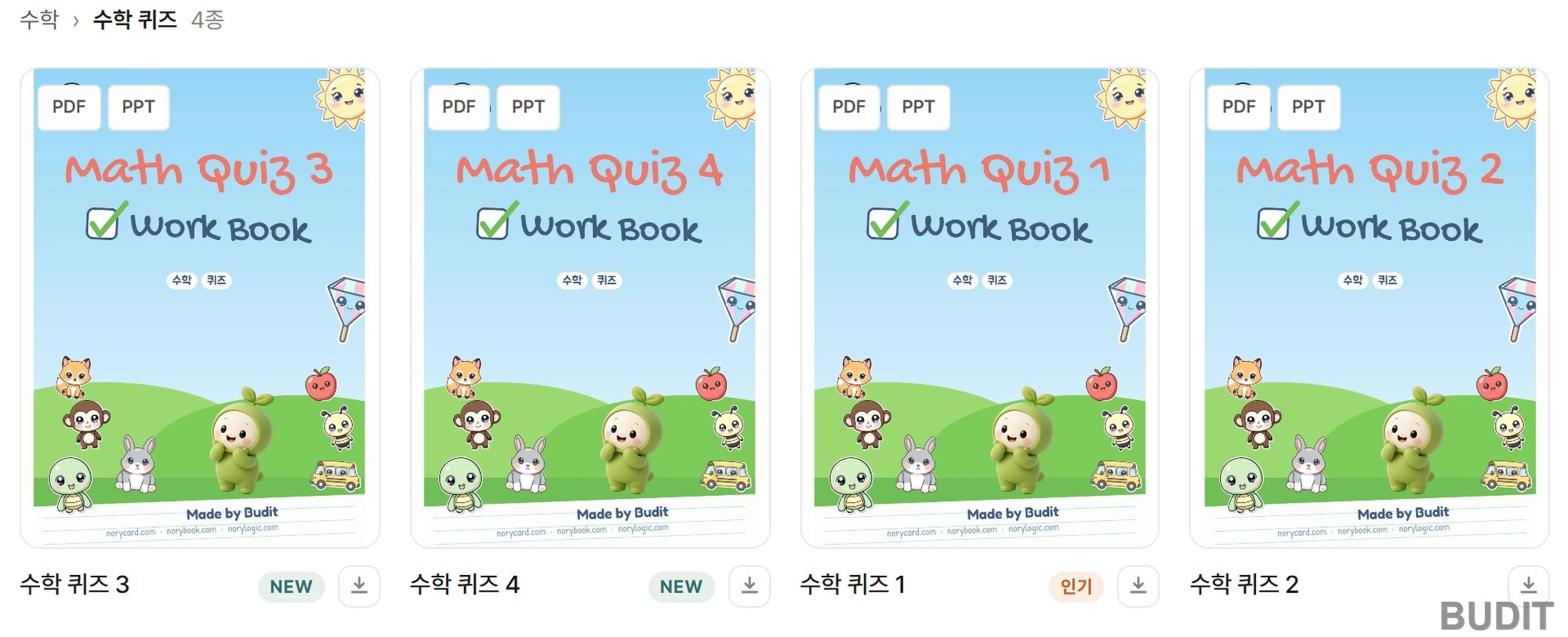
Photo: the Math Quiz cards in the 『NoryBook』 worksheet library (as of Nov 19, 2026; NoryBook is currently in Korean). Open the worksheet library
Choose at download
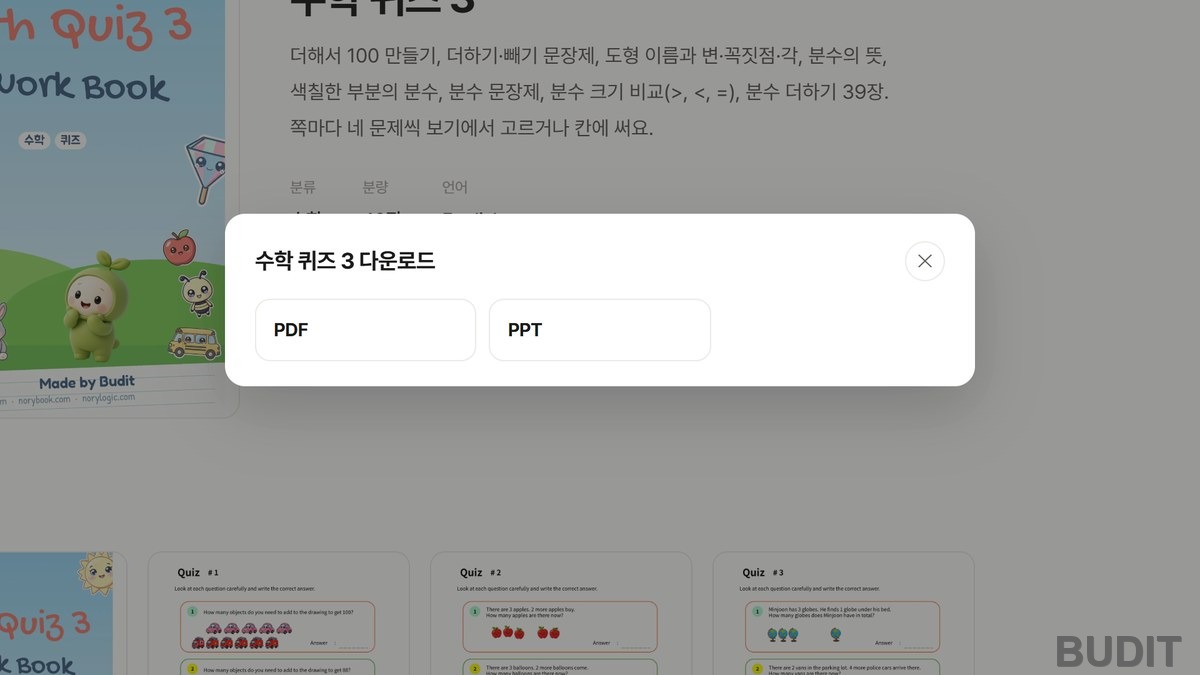
On a material's detail page, pressing Download opens a window where you choose PDF or PPT. The PDF is the same as before. The PPT holds every page as editable slides, so you can cut the number of problems, change the numbers, or place pages between your own lesson slides. Materials that only have a PDF download directly, as they always did.
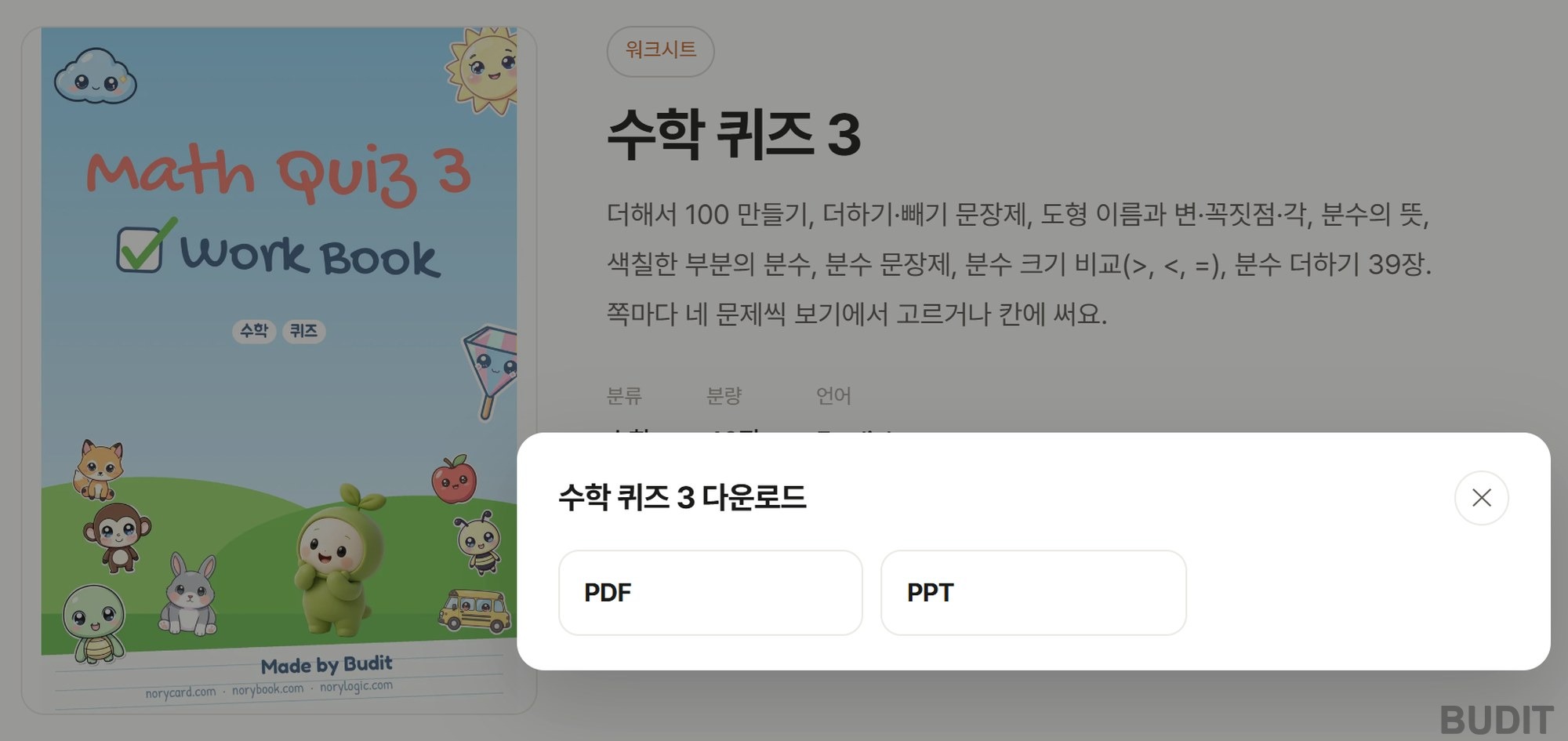
Photo: the download window for 『Math Quiz 3』 (as of Nov 19, 2026)
Next steps
- Add PPT files to the other worksheets in turn.
- Hear how teachers use the PPT and refine the page layout.
Related reading: NoryBook, an English picture book where your child is the hero, with 10 storybooks open for Wadiz funding, What's Inside NoryBook 『From Worksheets to Picture Books』