

A Book Read in Mom's or Dad's Voice
On a late night at work or a week away, a child can still hear a book in a parent's voice. The 『NoryBook』 voice demo takes one fifteen second recording and reads picture book sentences in that voice.
What the voice demo does
At the voice demo you record a short clip with the microphone, or upload a recording, and the demo reads its sample sentences in your voice. No login is needed, and the recording is not stored. The bottom of the page says exactly that: photos and recordings are not saved, and the result disappears after a while.
How to use it
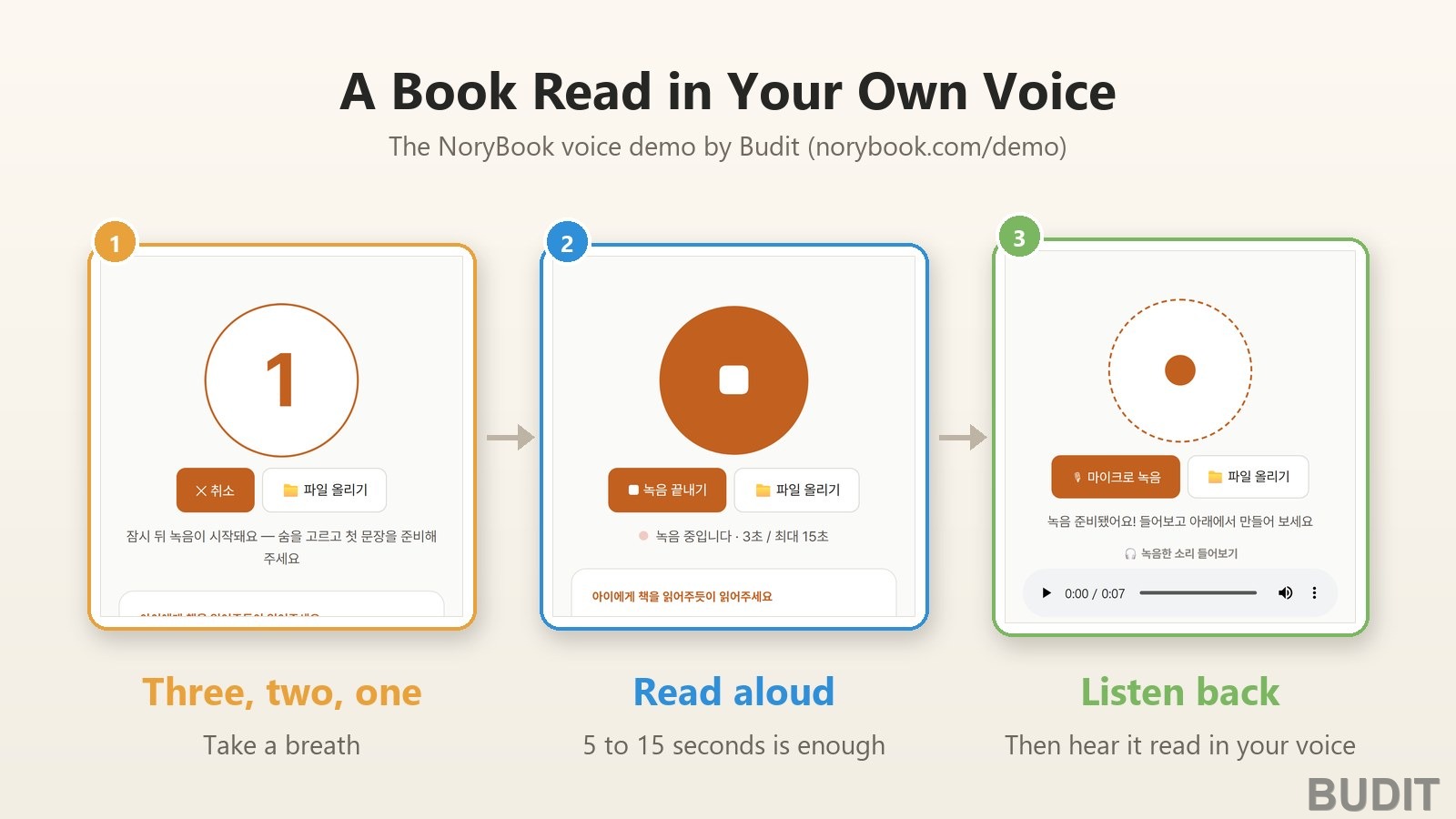
- 『Record with the microphone』: press the orange button and the browser asks for microphone permission. Once allowed, a notice says recording will begin shortly and a three, two, one countdown runs. That is your moment to take a breath and get the first sentence ready.
- 『Read aloud』: the screen shows the time passing, as in 『Recording · 3 s / max 15 s』. Read the three sample sentences the way you would read to your child. Five to fifteen seconds is enough, and recording stops by itself at fifteen. Press 『Stop recording』 to end sooner.
- 『Listen back』: a message says the recording is ready and a player lets you hear it. If you do not like it, press the record button again.
- 『Read in my voice』: under 『In this voice』 choose Korean or English and press the button. While it works the screen shows how many people are waiting, and when it is done the sentences appear numbered under 『Sentences read in my voice』, each with its own play button. If you are not happy with it, 『Record again』 starts over.
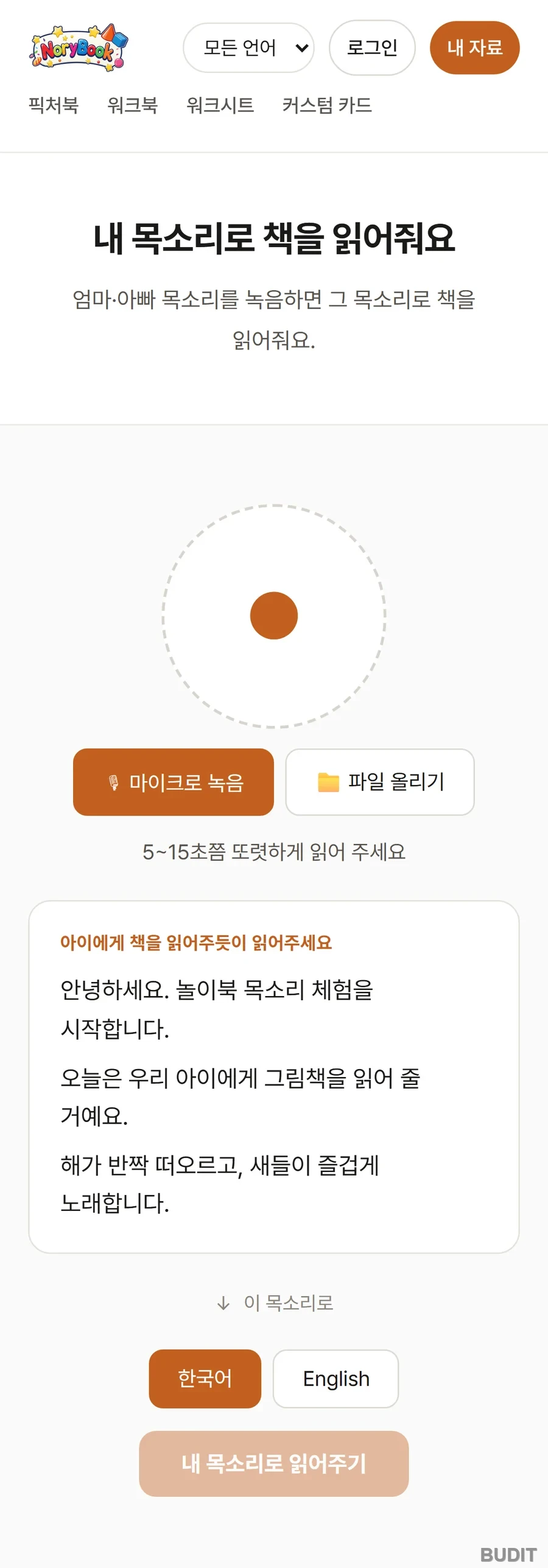
Photo: the 『NoryBook』 voice demo start screen (as of Oct 8, 2026, Korean interface shown). Start with 『Record with the microphone』 or 『Upload a file』, then read the three sentences in the box. Try it
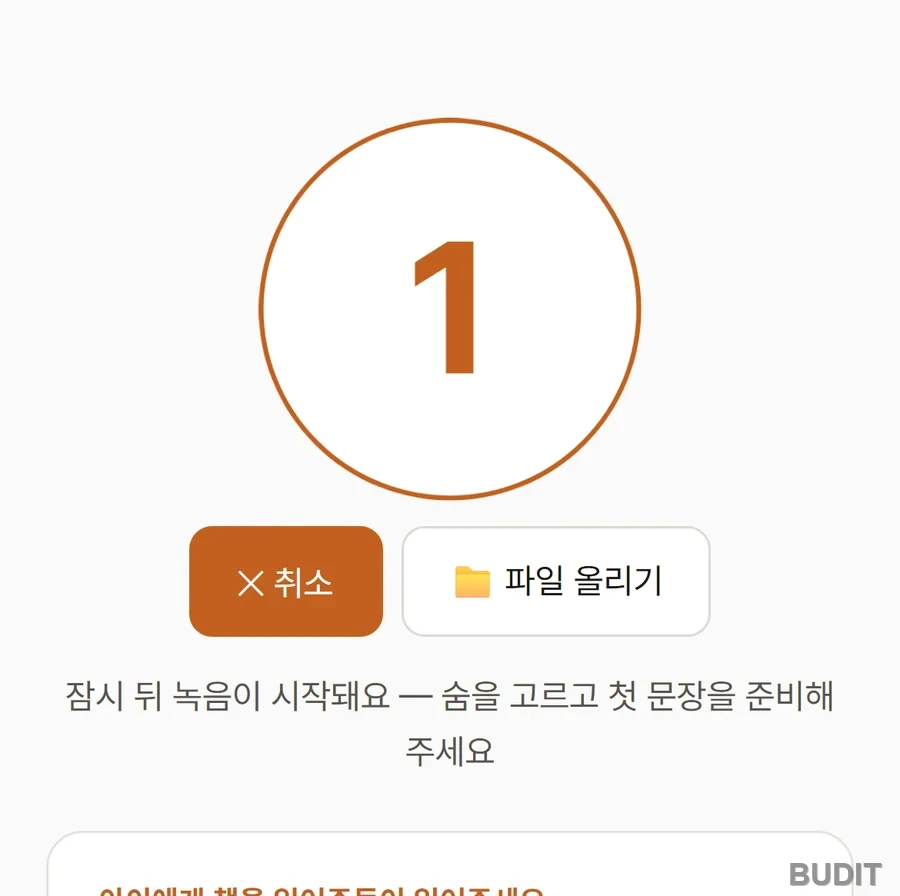
Photo: the countdown. The notice reads 『Recording begins in a moment. Take a breath and get the first sentence ready』. The pause is there so the first syllable does not get cut off.
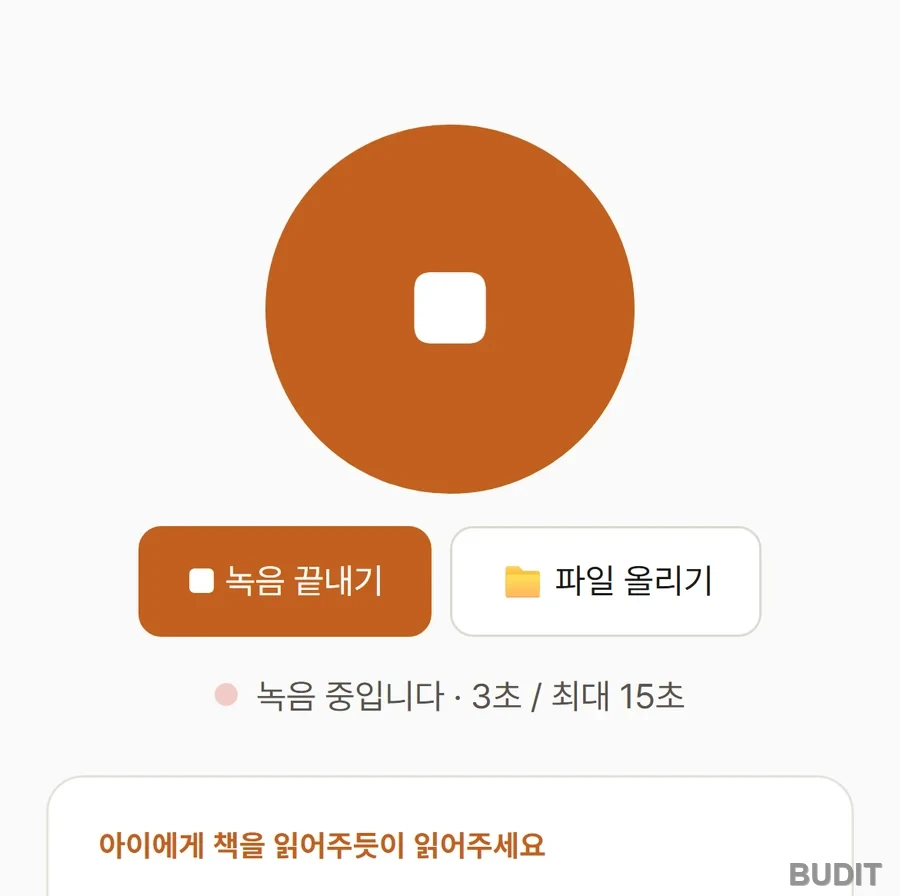
Photo: recording in progress. The elapsed time is shown, and recording stops by itself at fifteen seconds.
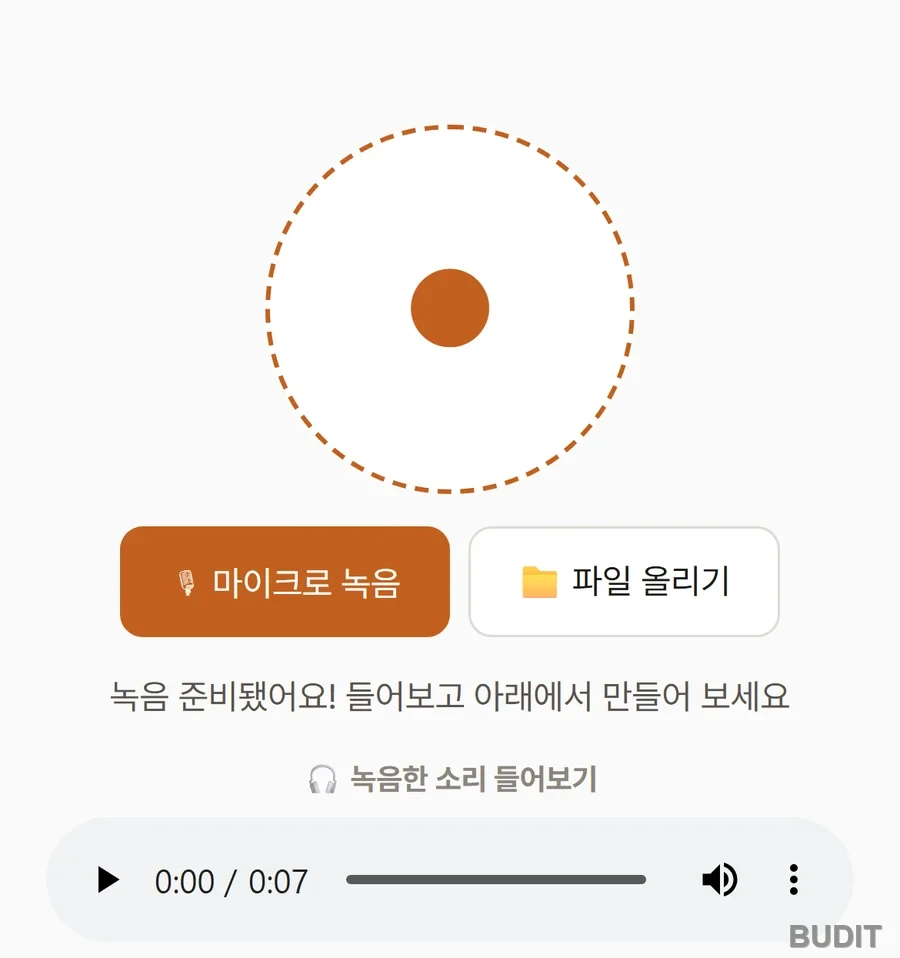
Photo: after recording. Check it with 『Listen to the recording』, then pick a language below and press 『Read in my voice』.
Recording tips
- Find a quiet spot and hold the phone about a hand's width from your mouth. A television or washing machine in the background ends up in the result.
- Read as you would to your child. The on screen hint says the same. Slow and clear beats newsreader pace.
- Five to fifteen seconds is enough. A longer recording does not make it better.
- If the permission prompt does not appear, allow the microphone from the lock icon beside the address bar or in the browser settings. If you already have a recording, use 『Upload a file』 instead.
Log in to have whole books read
The demo reads three sentences. After logging in, the 『reading audio』 menu lets you choose 『My Voice』 instead of a preset voice, and once you have recorded, books are read in that voice. The recording guidance is the same, five to fifteen seconds. The scene of a child turning the pages of My Day with a caregiver while hearing a parent's voice is in our earlier article A Gift of Voice for Busy Parents.
Using it at home
When stressed children heard their mother's voice on the phone, their stress hormone fell and oxytocin rose. Children who exchanged only text messages showed no such change (Seltzer et al., 2010; Seltzer et al., 2012). That is why a voice reaches where text does not.
- Record on a calm day. The weekend before a business trip or a heavy week at work is a good time.
- When a call is not possible, the caregiver at home turns the pages with the child while the parent's voice reads.
- When you are back, ask 『What did you like best in that book?』 and carry the story on. The voice is not a replacement. It is a bridge.
- Record both parents' voices so the child can choose.
Try the voice demo · See all NoryBook materials
If a kindergarten or daycare would like to use a teacher's voice, contact Budit.
References
- Seltzer, L. J., Ziegler, T. E. and Pollak, S. D. (2010). Social vocalizations can release oxytocin in humans. View on Google Scholar
- Seltzer, L. J., Prososki, A. R., Ziegler, T. E. and Pollak, S. D. (2012). Instant messages vs. speech: Hormones and why we still need to hear each other. View on Google Scholar
Screens and features are as of Oct 8, 2026 and may change.